Anaheim Ducks vs. San Jose Sharks
VenueHonda Center
LocationAnaheim, California
Time6:30 PM

Compare upcoming dates, explore performers and find your next live experience.
Resale prices may be above or below face value. Review ticket details and the final checkout total.
Explore sports tickets for teams, matchups, tournaments and live competitions with Tickets Helper. Browse football, basketball, baseball, hockey, soccer, racing, combat sports and other sporting categories, then compare dates and venues. Check the complete event title so you can distinguish a specific game from a tournament session, a season package or another ticket format. Home and away matchups can involve the same teams at different venues.
A sports ticket should match both the event you want and the place you want to watch it. Compare sections, rows and any restricted-view notes, and check whether the listing describes reserved seating, a general-admission area or another admission type. Stadiums, arenas, race circuits and outdoor courses use different layouts. Use the seating information for the selected event rather than assuming that a venue has one identical configuration for every sport.
Pay particular attention to schedules marked with an unconfirmed time or date. Tournament rounds, postseason games and some other fixtures can have conditions that need checking in the event information. Before ordering, review the venue, city, local start time, delivery method and ticket quantity. If you are attending with a group, verify the seating and quantity information in the chosen listing rather than assuming that separate purchases will be together.
Use the category links to narrow the event type and the performer links to explore a team or competition. Recorded ticket orders determine the top-selling preview, while the available event listings provide the dates to investigate next. Visit Tickets Helper offers for eligible promo codes, then compare the full checkout total and confirm any applied discount before paying.
Ranked by recorded ticket orders in current event listings.
Explore performers and see their upcoming event counts.

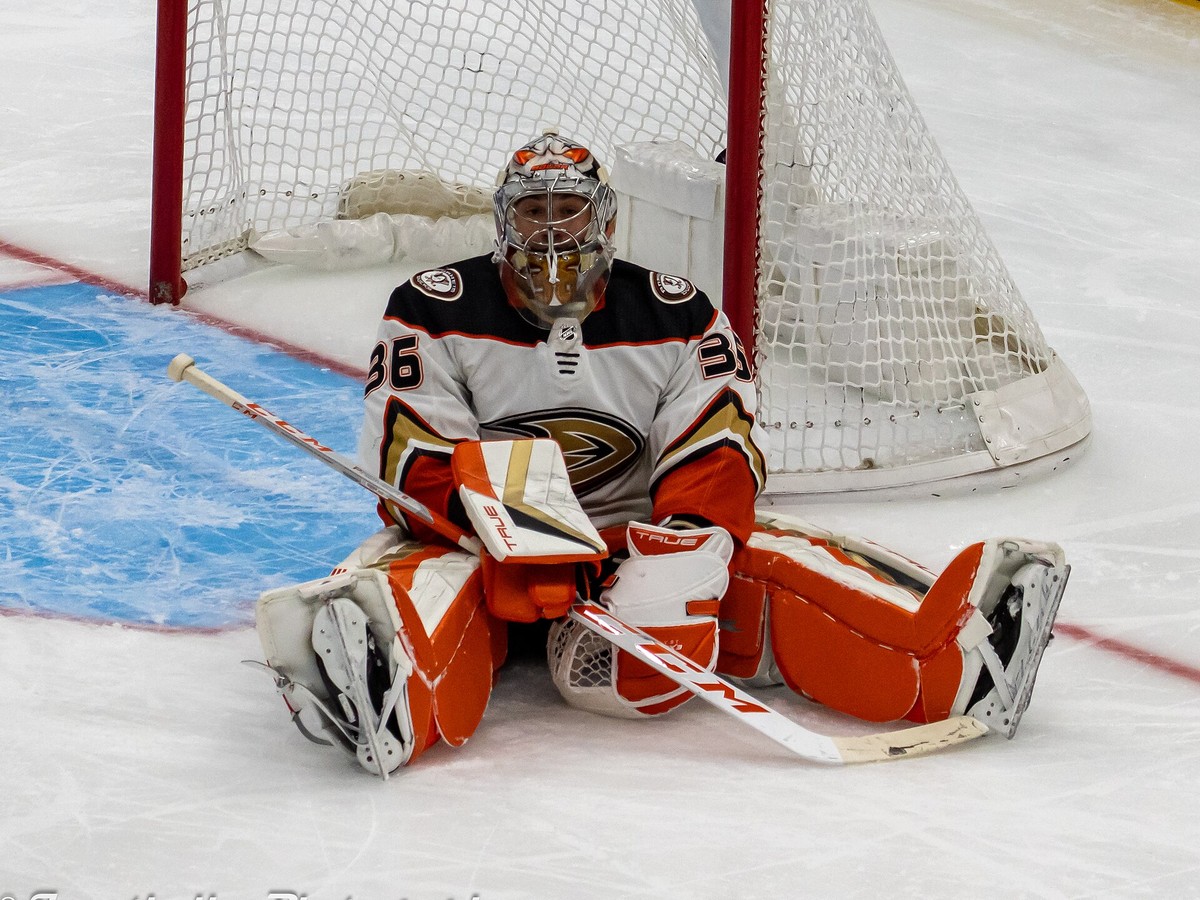
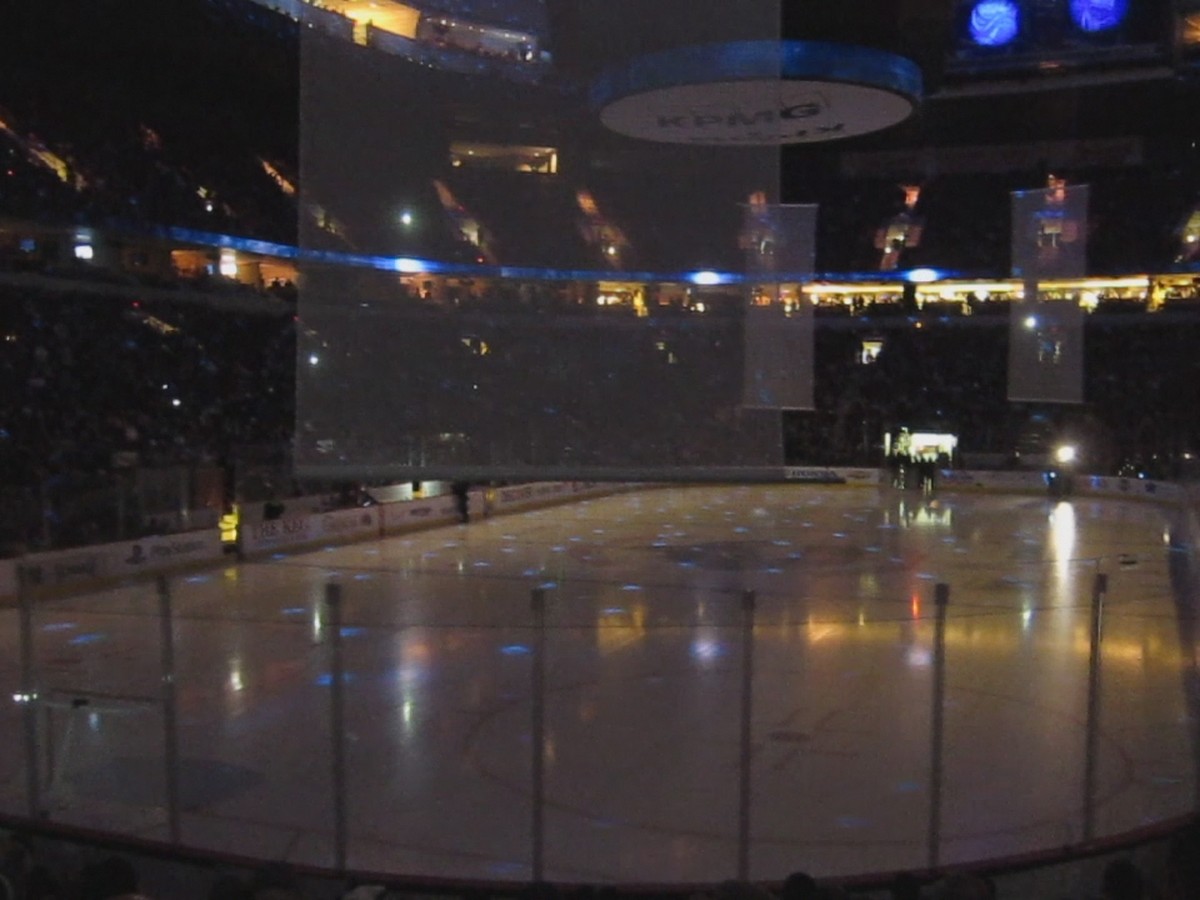

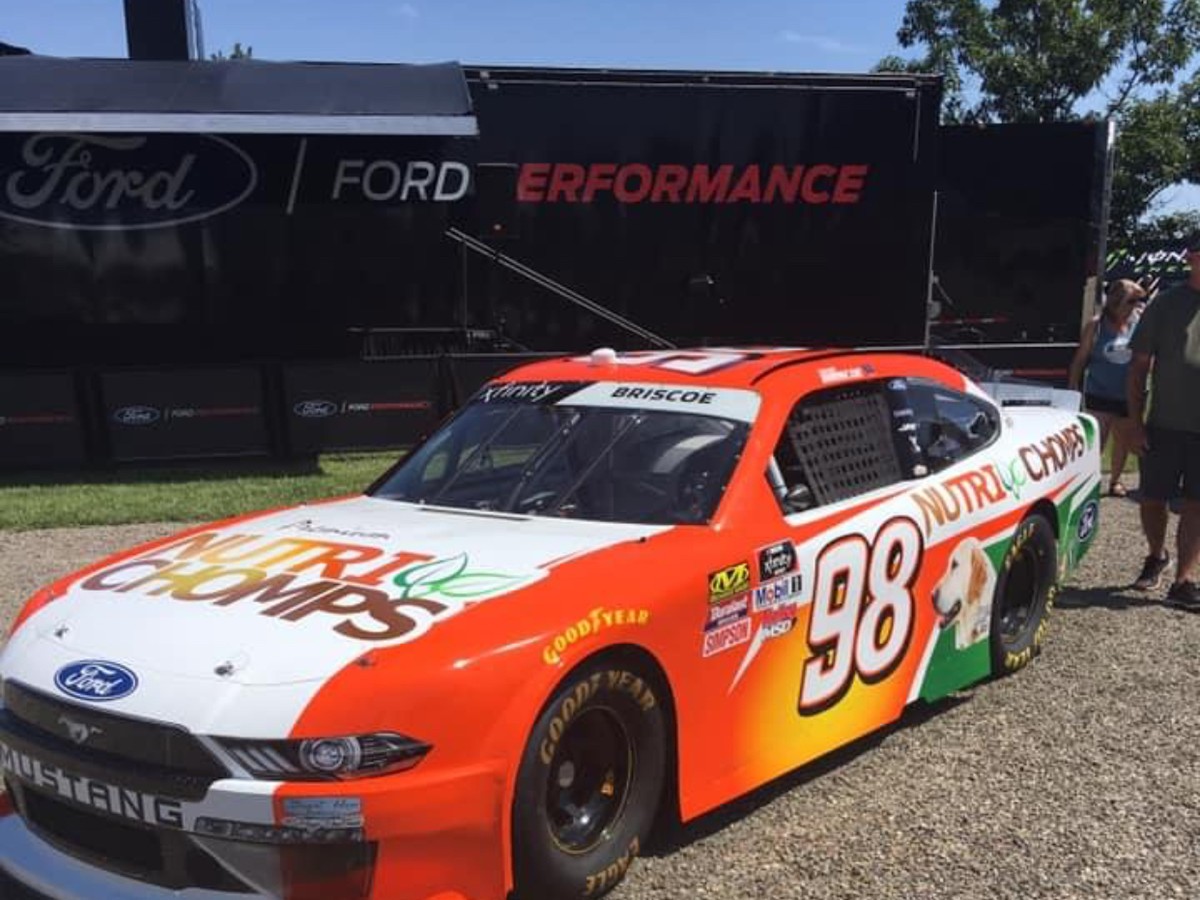


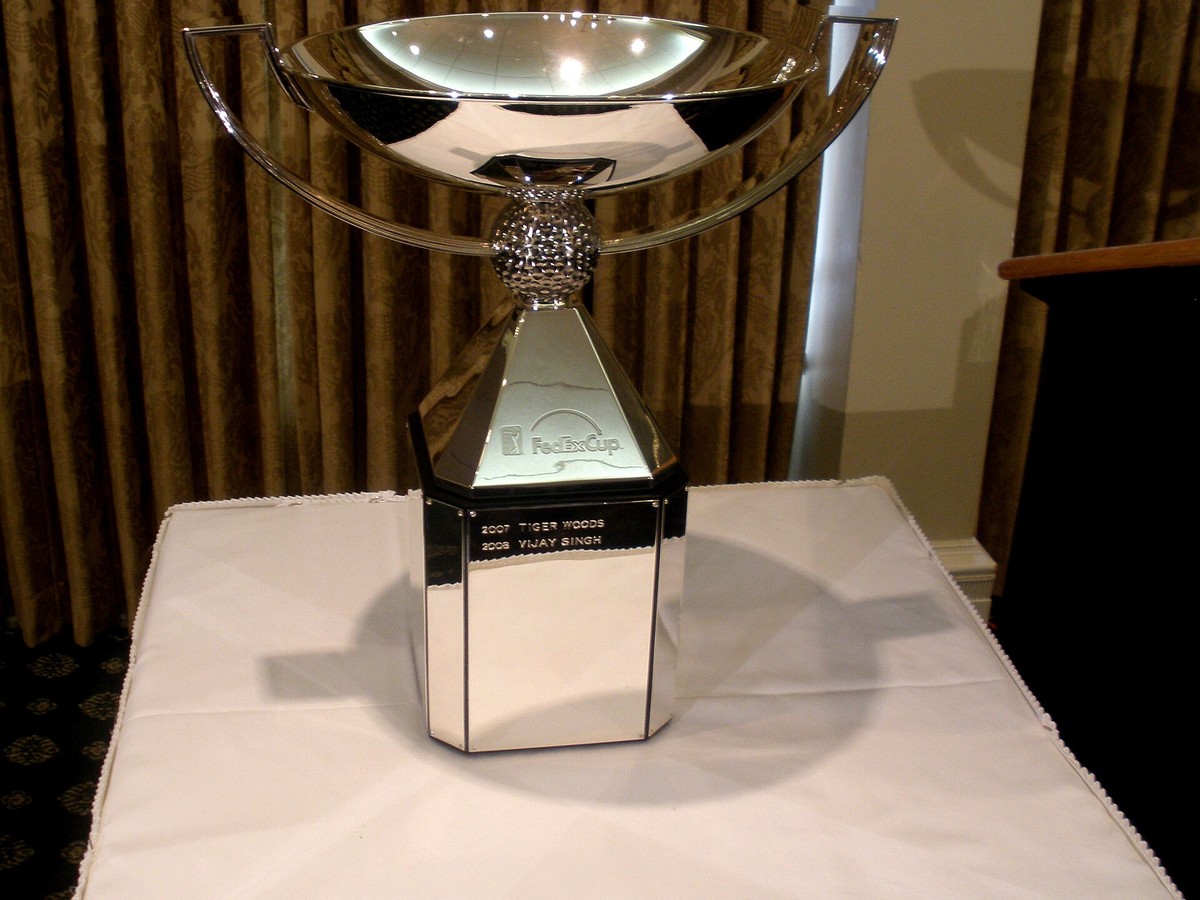
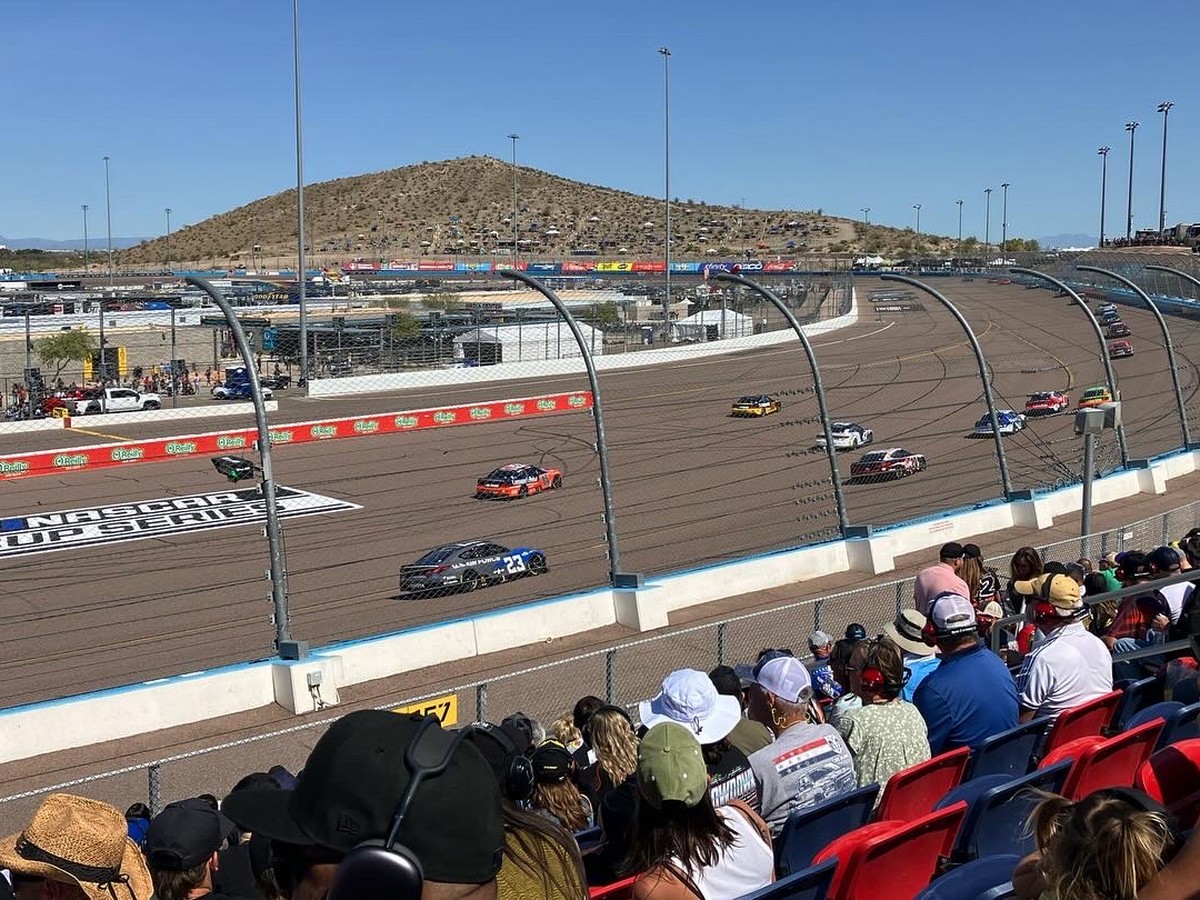
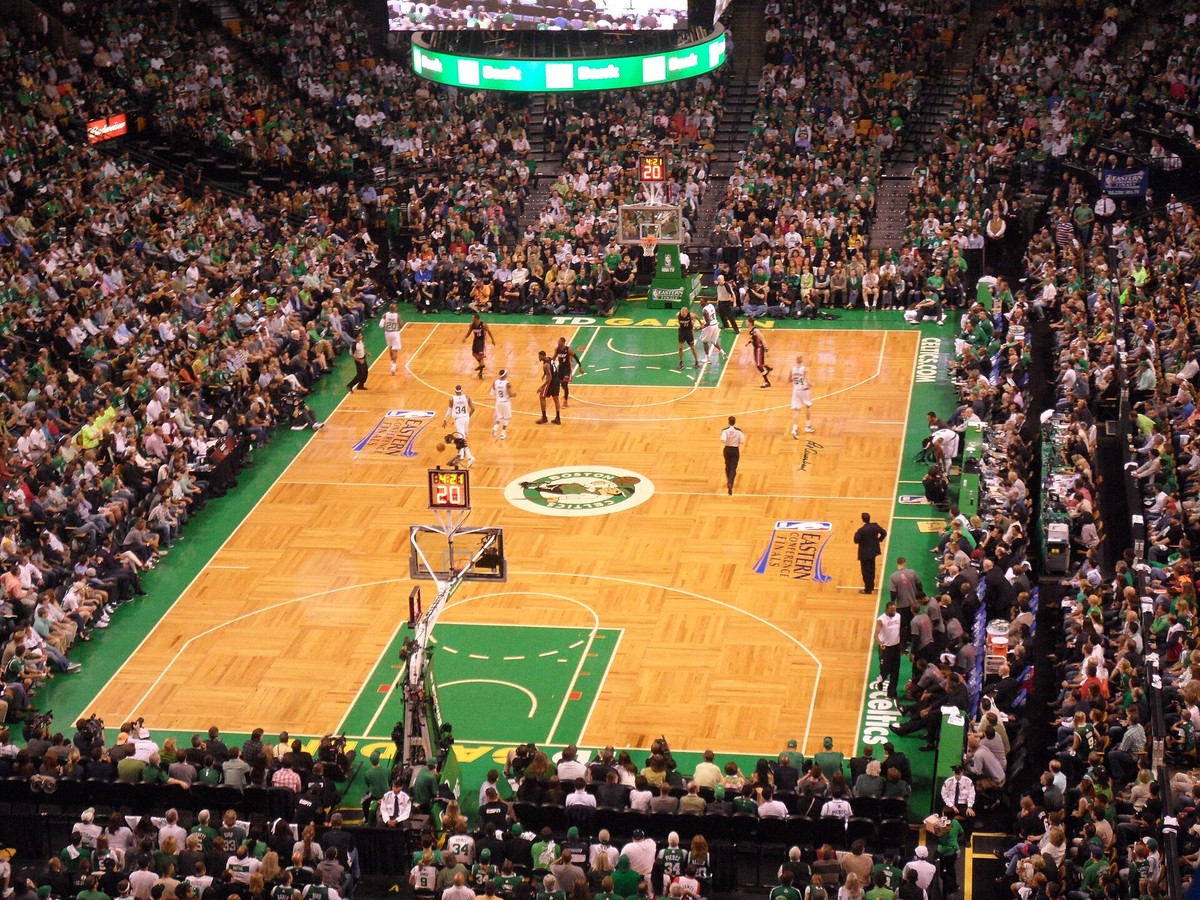

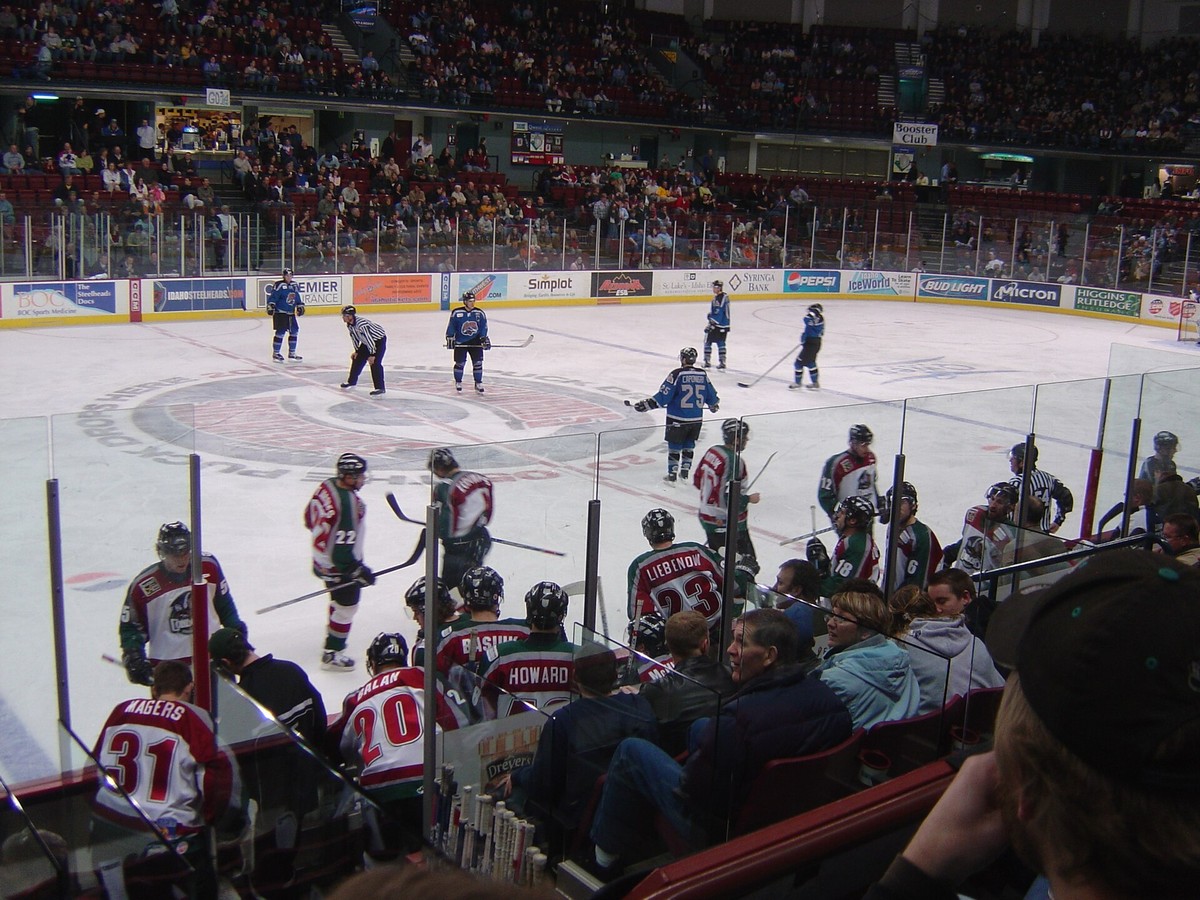

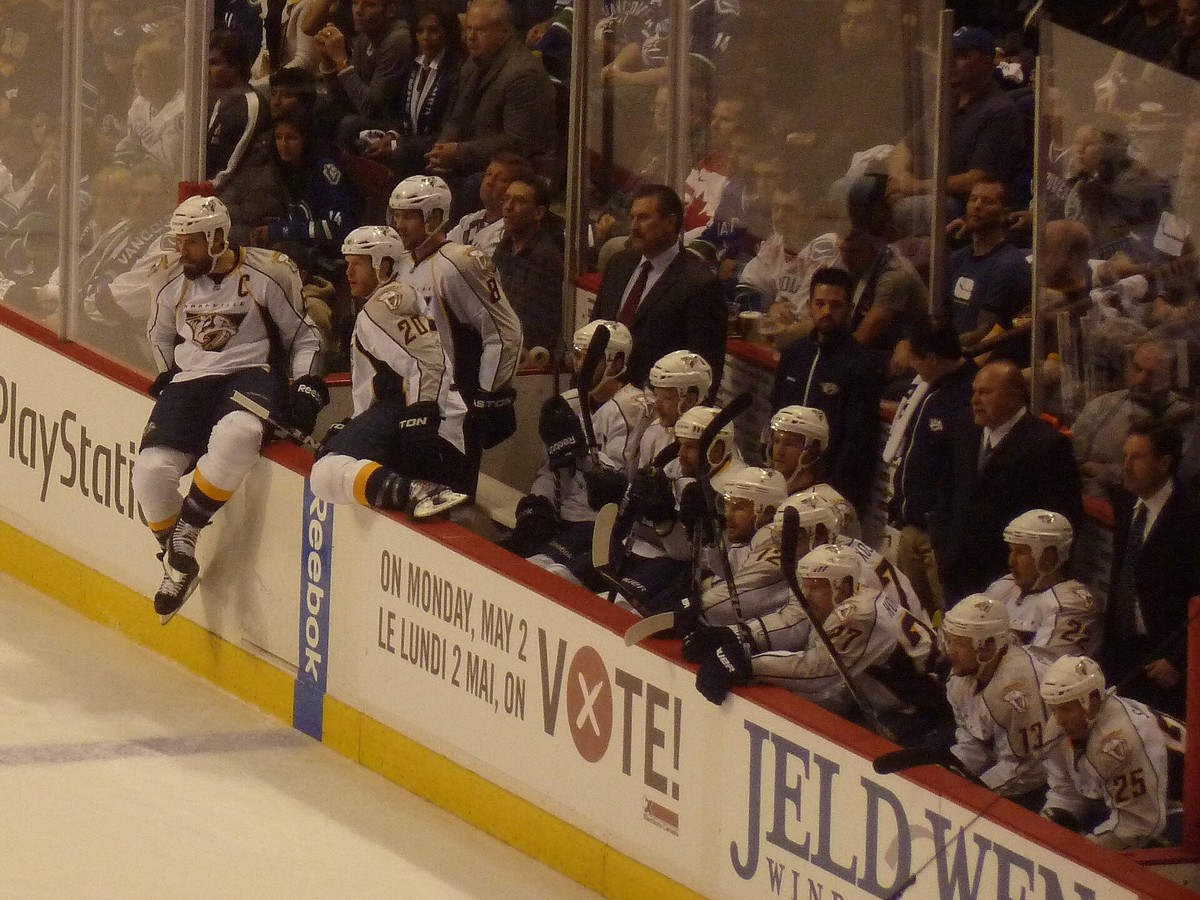
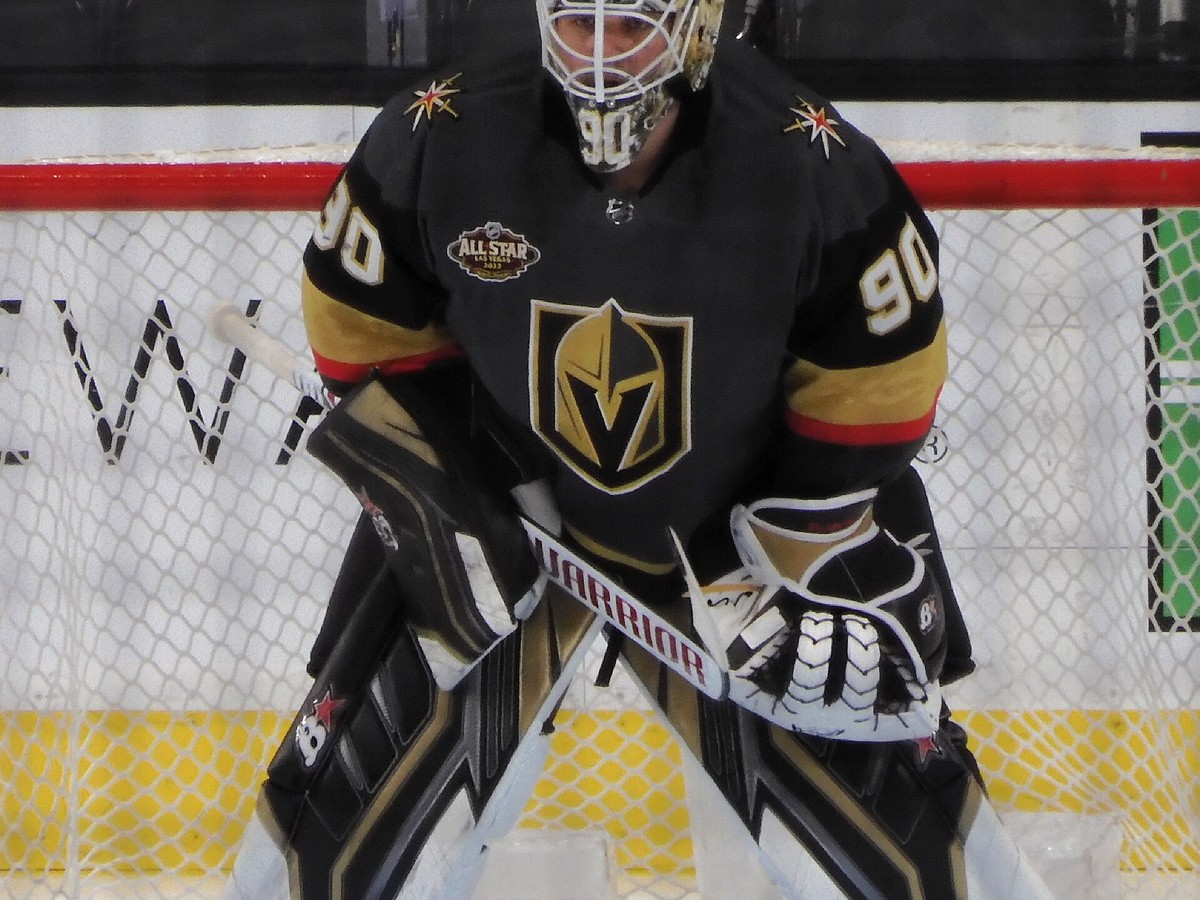



Explore current events and performer listings by event type.
12500 events · 525 performers
8950 events · 1905 performers
45 events · 33 performers
25 events · 2 performers
1026 events · 655 performers
273 events · 56 performers
19 events · 16 performers
6741 events · 507 performers
120 events · 14 performers
34 events · 41 performers
842 events · 54 performers
290 events · 36 performers
1076 events · 175 performers
809 events · 162 performers
78 events · 33 performers
17 events · 9 performers
2136 events · 332 performers
225 events · 56 performers
465 events · 22 performers
312 events · 224 performers
288 events · 181 performers
Visit Tickets Helper offers for current promo codes and eligibility details. Review the minimum spend, applicable terms and final checkout total.
View ticket offers →Browse the upcoming listings on this page and compare the event name, venue, city, date and time. Use a performer or show link to investigate other dates, or choose a subcategory to narrow the type of event. Select View tickets to review the individual listing, seating or admission details and the available ticket options before purchase.
Compare the section, row, view notes and admission type shown on each ticket listing. A stadium, arena or race venue may have areas with different sightlines and access conditions. Check the event-specific seating information and any accessibility needs before purchase. Select the quantity you need and review whether the listing describes the tickets as a group.
TBA or TBD means the listing does not provide a confirmed start time. Check the selected event information and the relevant schedule before planning your arrival or travel. A tournament ticket may refer to a particular session or round, so confirm its scope as well as the date. This category page cannot establish the final schedule for an unconfirmed fixture.
Featured performer cards use a fixed selection so their images and names do not change with every daily update. Their event counts reflect the imported feed. The top-selling event preview is ranked using recorded ticket orders. Sales rank is a way to discover listings; it does not guarantee the lowest price, a particular seat or continued ticket availability.
An order may qualify for a promo code listed in the Tickets Helper offers section. Read the current offer terms, including any minimum order amount or other restrictions, before applying it. Check that the code is accepted and that the expected discount appears in the final checkout total. A code should not be assumed to apply to every event or order.
Compare the full total for the quantity and ticket type you plan to buy. The ticket listing and checkout provide the relevant price, fees and delivery details; resale prices can change and may be above or below face value. Confirm the final amount before payment rather than treating a category listing or a promo-code headline as the total cost.
Confirm the number of tickets, the section or admission area, the row where applicable and the seating description for the selected listing. Do not assume that separate orders will place your group together. Review any view restrictions, age guidance and entry conditions that apply to your party, and verify the full order details before completing payment.
Open the selected ticket listing to review its seating information and any section or row notes. You can also explore the Tickets Helper seating-chart section for venue reference layouts. Configurations can vary by event, so use the chart and description associated with your chosen listing when deciding which tickets match your needs.
Events whose scheduled start has passed are removed from the visible upcoming lists when the page refreshes in the browser. Daily feed updates can also change which listings appear. A missing listing alone does not establish that an event was cancelled or sold out. Search for the performer, show or venue and check the relevant event information if you need confirmation.
Search Tickets Helper using the performer, team, show or venue name and check the spelling and location. You can also explore a related subcategory or another available date. Listings are refreshed from the event feed, but a missing result does not confirm whether another date will be added. Review the selected event information before making any purchase or travel plans.